Block Guard App Guide
The Block Guard App Helps Android Phones Stay Quieter
BlockGuardApp.com is a focused guide for people looking for the Block Guard app on Android. Learn what the app does, how to set it up, which rules to start with, and how to download Block Guard: Spam Call Blocker from Google Play.
- Android spam call blocker
- Trusted contacts and whitelists
- Unknown-number controls
- SMS and MMS filtering
- Blocked-call activity review
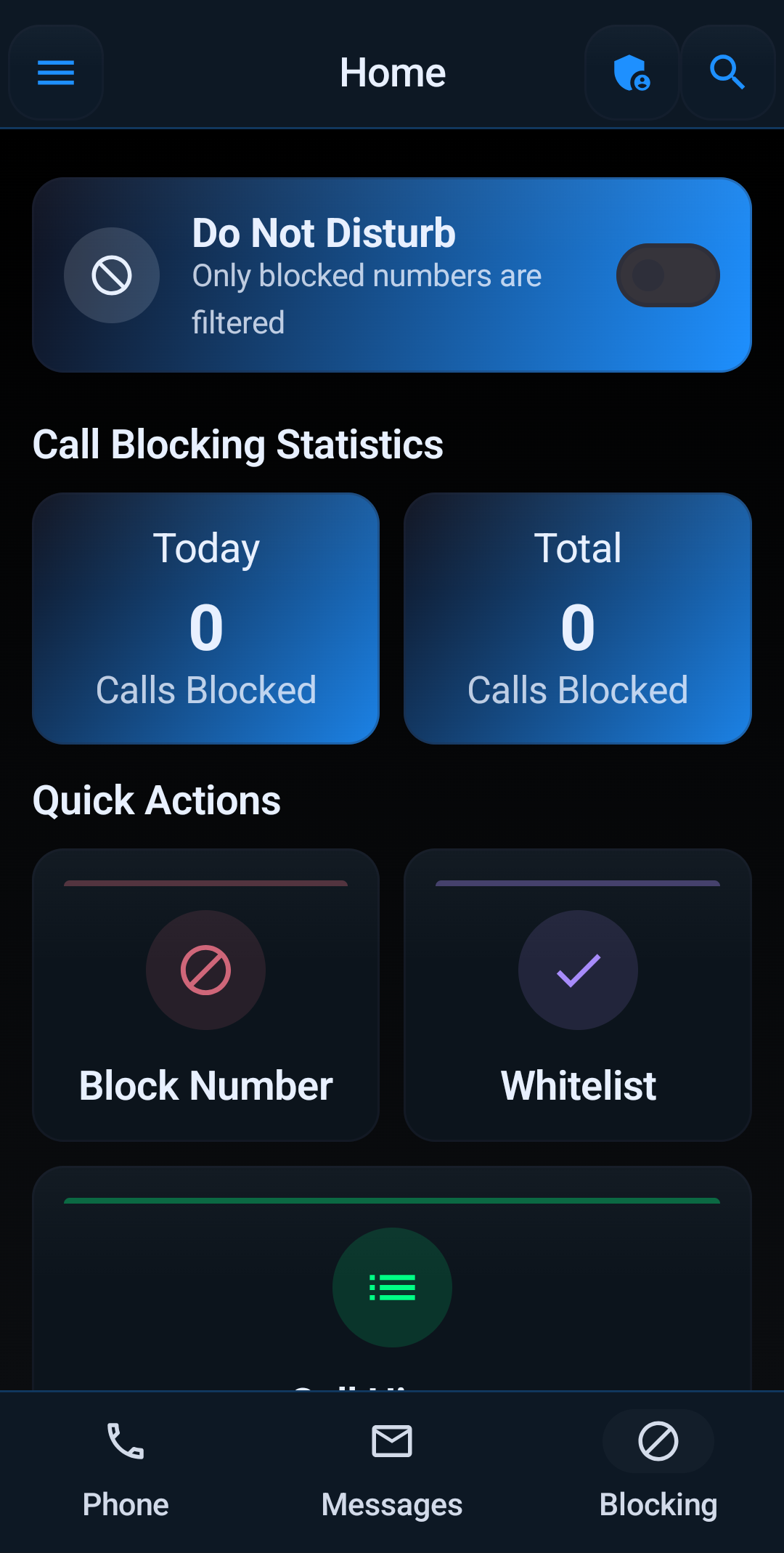
App overview
What Block Guard Is Designed to Do
Block Guard is for Android users who want fewer unwanted calls and texts while keeping real people reachable. The best setup starts with trusted callers, then adds stronger rules around suspicious numbers.
Built around your contacts
Start with the people and numbers that should always reach you, then make blocking rules stricter around everyone else.
Rules you can actually tune
Use controls for unknown callers, private numbers, area codes, prefixes, number patterns, schedules, and profiles.
Calls and texts in one place
Block Guard helps reduce unwanted calls and suspicious messages, including SMS spam and smishing-style text attempts.
Visibility after setup
Review blocked activity so you know what happened, why it happened, and when a rule needs to be adjusted.
How it works
Set Rules Around Real-World Call Needs
A useful call blocker needs context. A doctor, school, delivery driver, contractor, or customer may call from a number that is not saved yet. Block Guard helps you start with safer defaults, then make rules stricter where spam patterns are obvious.
The app supports a practical setup flow: allow trusted callers, choose unknown-number behavior, use number and pattern rules, filter suspicious texts, and review blocked activity before tightening anything too aggressively.
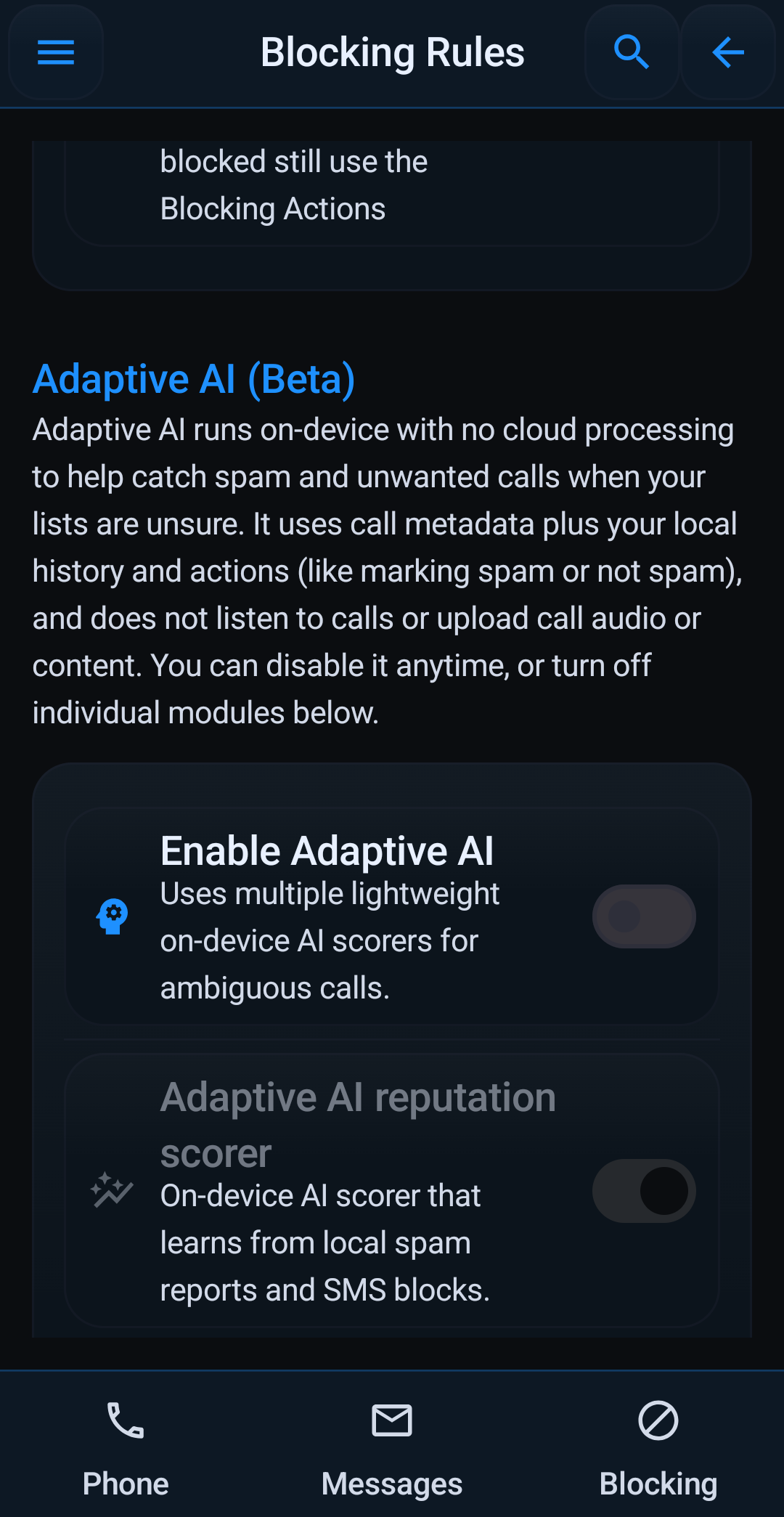
Setup flow
A Practical First Setup
Install and grant permissions
Android call blockers need call and SMS permissions to screen calls and filter texts. Block Guard walks through that setup.
Add trusted callers
Whitelist family, work, doctors, schools, caregivers, and other important numbers before enabling stricter rules.
Choose protection level
Start with moderate spam-call protection, then tighten unknown-number and pattern rules after reviewing real activity.
Tune over time
Use logs, profiles, and schedules to make the app fit work hours, sleep hours, family phones, and everyday use.
Guide hub
Block Guard App Topics
How to use Block Guard
Follow the complete setup flow from install to trusted contacts, blocking rules, SMS filters, profiles, and logs.
Block Guard app overview
Learn what the app is, who it is for, and which problems it is designed to reduce.
Spam call blocker app
See how Block Guard handles spam callers, scam calls, robocalls, and suspicious texts.
Android call blocking app
Understand the Android permissions and call-blocking controls that make the app work.
Block Guard for families
Set up safer blocking for family members while protecting trusted callers.
FAQ
Block Guard App FAQ
What is the Block Guard app?
Block Guard: Spam Call Blocker is an Android app by RadStorm Technologies LLC that helps reduce spam calls, scam calls, unknown callers, robocalls, spoofed caller IDs, and SMS spam with adjustable blocking controls.
Is BlockGuardApp.com the same as blockguard.app?
No. BlockGuardApp.com is a focused app guide and marketing site for Block Guard. The official product website is blockguard.app, and the Android app installs from Google Play.
Does the app block every spam call?
No app can honestly guarantee that. Block Guard is designed to reduce unwanted calls by combining trusted contacts, unknown-number handling, private-number rules, pattern blocking, schedules, profiles, and blocked-call review.
Should I use the setup guide before installing?
Yes if you want the safest setup. The guide explains which permissions matter, how to protect trusted callers first, and how to tighten rules without missing important calls.
Get the Block Guard App for Android
Block Guard gives Android users practical spam-call controls, trusted-contact exceptions, unknown-caller rules, SMS filtering, and blocked-call visibility.